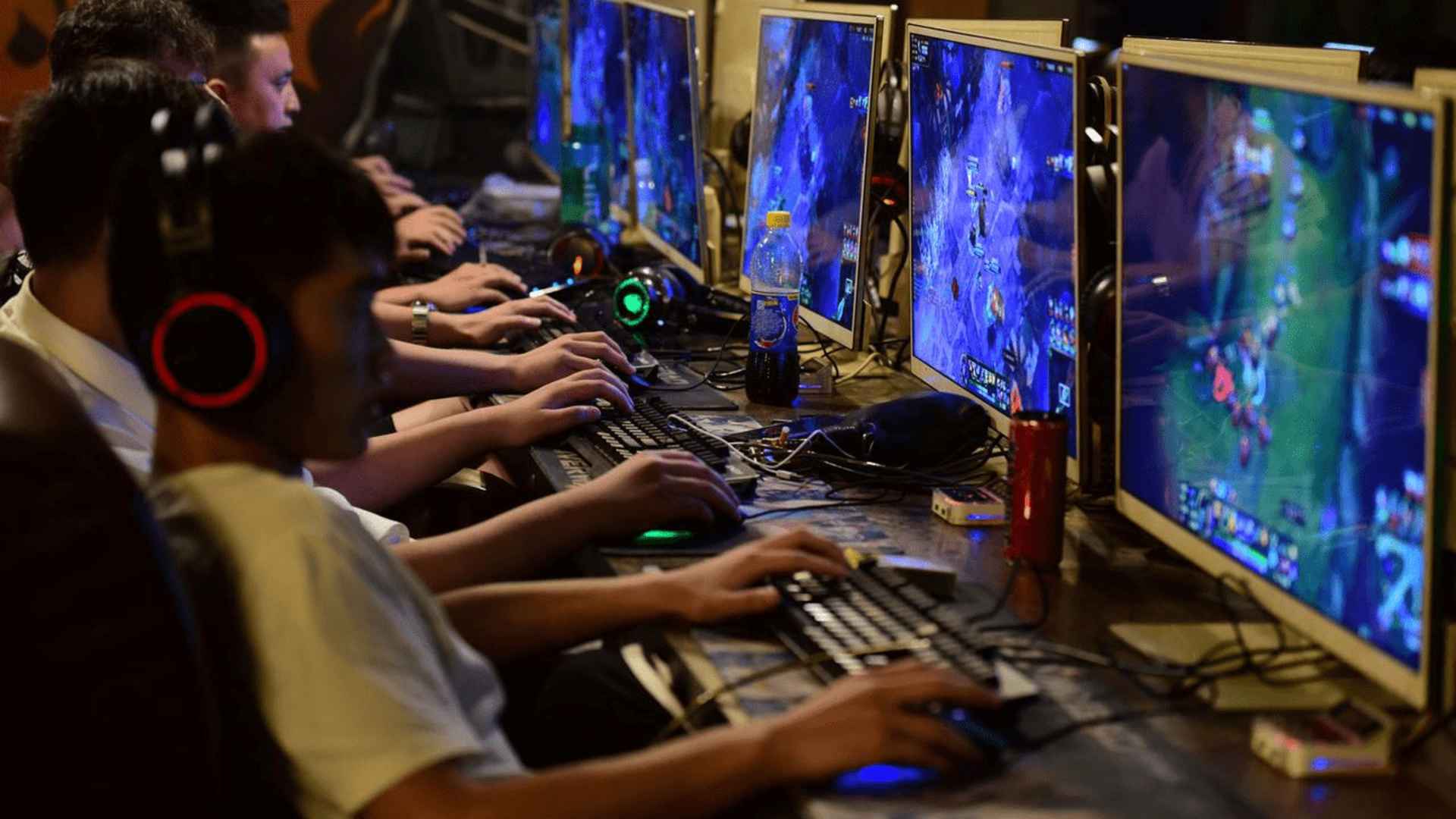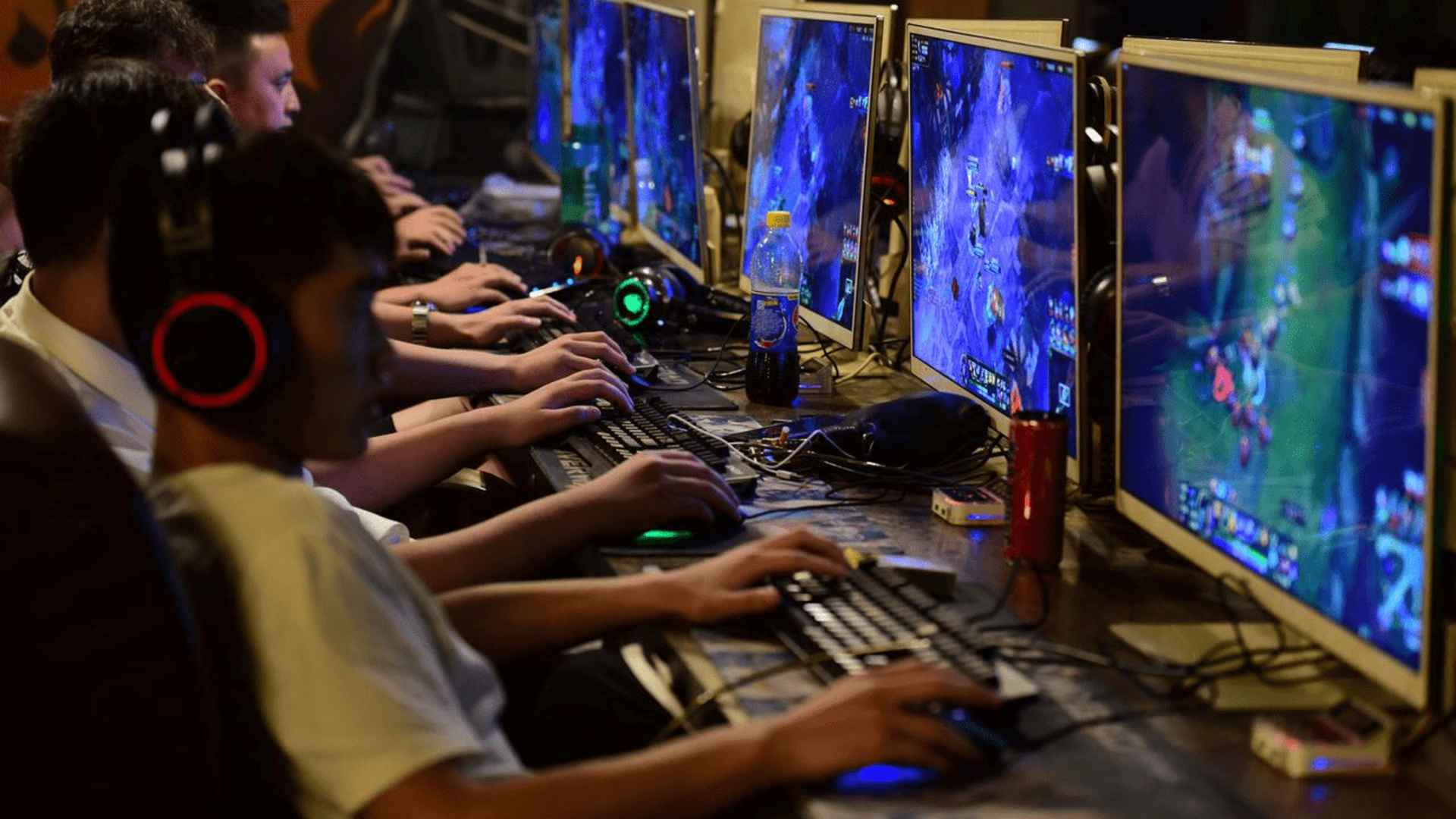
Arena Breakout: Infinite has taken the tactical shooter community by storm with its intense realism and high-stakes military simulation gameplay. However, many PC players who prefer using gamepads over keyboard and mouse setups have run into immediate hurdles regarding native input preferences. Understanding the current state of device compatibility and the safest configuration workarounds is essential for maintaining a competitive edge without risking account penalties.
Current Status of Controller Compatibility
As of the early access phase, Arena Breakout: Infinite lacks official or native controller support for the Windows PC platform. The game is heavily optimized for traditional keyboard and mouse setups, meaning plugging a gamepad directly into your PC will not yield standard functional inputs. While the developers have acknowledged community interest, there is currently no official timeline for an integrated controller update.
This absence of native mapping creates a steep learning curve for gamers who rely on hardware accessibility options or sheer muscle memory. Players attempting to use gamepad peripherals will find their buttons completely unmapped upon booting the software. Consequently, navigating the tactical maps and managing complex inventory spaces requires alternative configuration steps.
Understanding Anti-Cheat Risks and Software Rules
Before implementing any third-party mapping software, players must understand how the game's security infrastructure handles unauthorized inputs. Arena Breakout: Infinite utilizes a highly strict kernel-level anti-cheat system known as Anti-Cheat Expert, which actively monitors memory injection. Certain popular remapping software platforms can trigger false positives or direct account bans if they manipulate system-level processes inappropriately.
For instance, relying heavily on deep software emulators can occasionally register as macro manipulation or abnormal mechanical patterns. Gamers who utilize external tools to translate controller movements into keyboard strokes must proceed with extreme caution. Keeping all mapping layouts clean, natural, and free of complex automation scripts remains the safest method for avoiding security flags.
Step by Step Setup Guide and Workarounds
The most popular method to bypass the native input limitation involves running the title through the Steam client's integrated hardware configuration overlay. By launching the application directly via Steam with administrator privileges, players can map keyboard functions onto their Xbox or PlayStation controllers. This method is generally favored because it utilizes built-in software frameworks rather than intrusive third-party background software.
Once the controller configuration overlay is open, players should manually bind the left analog stick to standard movement keys and the right stick to mouse directional tracking. Crucial combat functions like aiming down sights and primary firing should be mapped strictly to the left and right triggers. Because tactical shooters feature an abundance of individual keybinds, some complex inventory shortcuts may still require manual mouse interactions during intense extraction matches.
Optimizing Layouts for Tactical Advantages
Configuring a comfortable control layout requires balancing basic movement commands with complex tactical requirements such as checking magazines and healing. Players should assign frequently used actions like reloading, crouching, and sprinting to primary face buttons or thumbstick clicks. Less urgent tasks, such as opening the tactical map or reviewing your backpack contents, fit best on the traditional start and select buttons.
It is highly recommended to adjust in-game mouse sensitivity values to smooth out the analog stick movement translation. Since the title features no native aim assist features for gamepads, precision aiming relies entirely on fine-tuning your controller's translation curves. Testing your custom configuration inside low-risk training zones ensures your layout functions reliably before entering real combat zones.